I Striped Two Drives for Space I Never Used
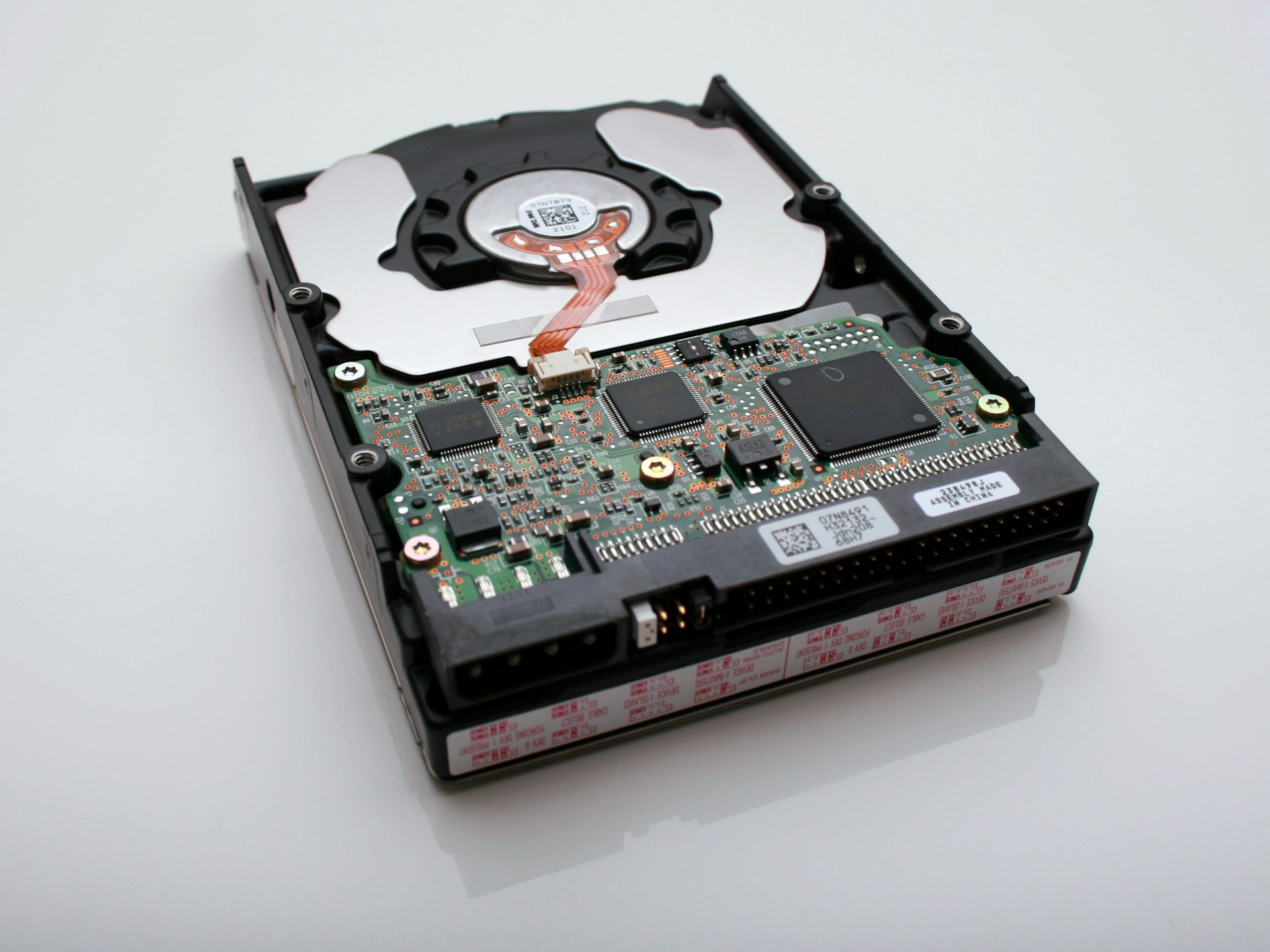
Summary: The bulk store in my homelab has been running as a two-disk RAID 0 stripe since I built it, for one bad reason: 33 TB sounded better than 18. Today it holds about 955 GB, which is 3% of the array. So I striped two drives for space I have not come close to using, and in exchange I roughly doubled the odds that one dead disk takes everything. This is the writeup of why I am moving it to a RAID 1 mirror, what the mirror does and does not buy me, and the drill I ran first that found a much bigger problem than the stripe.
The greed
When I set the array up, the enclosure offered a menu of RAID modes and I picked the one with the biggest number on it. Two 18 TB drives, striped, one 33 TB volume. It felt like the responsible move at the time, because more space is generally good and I did not want to run out.
I have since run out of almost nothing. The array sits at 3% used. I chose a layout that carries more risk, for a capacity ceiling I might reach in a few years if the lab grows in a direction it currently is not growing. That is not planning ahead. That is what I would call storage greed, and I am the one who did it.
What RAID 0 actually costs
RAID 0 spreads each file across both disks for speed and full capacity, with no redundancy of any kind (DiskInternals has a clear writeup of why). There is no mirror and no parity, so there is nothing to rebuild from. Lose either disk and the whole volume is gone, not half of it. With two disks in the stripe, that is close to twice the annual failure exposure of a single disk, and I took that on for a working set that fits on one disk with room to spare.
There is also a gotcha specific to my hardware that made it worse. The two drives live in a two-bay USB enclosure (a Mediasonic Duo, ASM1352R bridge), and the enclosure does the striping in hardware, so Linux sees one big disk. The problem is SMART. The bridge only answers health queries for one of the two physical drives - smartctl -d sat,0 reports the first disk, and -d sat,1 returns nothing at all. My 6am health check has been watching half the array this whole time. If the disk it cannot see started failing, the first warning I would get is the volume vanishing. So the layout with no redundancy also had no early warning on half its hardware, which is about the worst pairing you can ask for.
The mirror
RAID 1 writes the same data to both disks at once. Lose one, keep working on the other, replace the dead disk, let it rebuild. On this enclosure the change is a pair of dip switches on the back (RAID 0 is switch 1 down and 2 up; RAID 1 is 1 up and 2 down), then a rebuild and a fresh filesystem.
It is not a click, though. The manual is blunt about it: changing the RAID mode reformats both disks, so everything on the volume has to be somewhere else first. That makes this a planned-downtime job, the kind you schedule for a quiet day rather than fire off on a whim. I come out of it with 18 TB instead of 33, which is fine, because I use a bit under 1.
But a mirror is not a backup
Here is the part I want to be honest about, because it is the part that took me a while to internalize. Converting to RAID 1 does not mean my data is now safe. A mirror protects against exactly one event: a disk dying. It does nothing at all when I delete a file by mistake, when a bad write corrupts one, when something encrypts the volume, or when the enclosure's power supply fails in a way that takes both disks with it. In all of those cases the mirror faithfully copies the damage to the second disk in real time.
This is old wisdom that has its own domain names and its own tired sysadmins behind it (raidisnotabackup.com exists for a reason, and 2BrightSparks lays out the specifics). RAID answers the question "did a disk fail." Backup answers a different question, "is the data wrong or gone." A mirror only answers the first one, and I do not want to walk away from this thinking I bought more safety than I did.
So the real safety lives off the array
The copies that actually protect the data are the ones that are not on the array at all. Without getting into the lab's private plumbing, it is three tiers: hourly snapshots on a separate local disk, hard-linked so a week of them costs almost nothing and I can undo the last half hour; a nightly encrypted disaster-recovery set that goes off-site to the cloud and holds what I would need to rebuild the machines to a given date; and a weekly archive of the user files that are personal rather than lab state.
That is the 3-2-1 rule, which the photographer Peter Krogh distilled years ago in a book about keeping image libraries alive (he tells the origin story here): three copies of anything you care about, on two kinds of media, with one off-site. The mirror is not one of the three copies. It just keeps the hot copy alive through a dead disk, which is a spare tire, not an insurance policy.
The failure that taught me this
The reason I am careful about the difference is that my nightly disaster-recovery set once failed silently for 45 nights, and no disk died to cause it. A backup script had been hard-linked into a directory the backups themselves rewrite, and at some point a rewrite quietly dropped its executable bit (the file mode went from 755 to 644). Cron tried to run it, could not, and moved on without a word. From the outside a green pipeline and a missing backup look identical, and they stayed identical for a month and a half until I actually went looking.
A mirror would never have caught that, because nothing about the disks was wrong. Only reading the backups back catches that.
The drill I ran before touching the switches
So before I go anywhere near the dip switches, I ran a non-destructive recovery drill. I mapped every top-level directory on the array to the off-array copy that is supposed to hold it, restored a couple of them for real onto a spare disk as if the array were already gone, and wrote down every directory that had no copy anywhere. That last list was the real point of the exercise.
It turned up about 0.9 GB of small, genuinely irreplaceable material (some paid image renders, a bit of hand-built reference data) that was living in exactly one place, on the array, with no second copy. The 33 TB of headroom was never the thing at risk. The 0.9 GB with nowhere to fall back to was, and I would not have found it by staring at the RAID. It is in the nightly set now.
What I would tell past-me
If you are standing in front of the same enclosure menu I was, a few things I wish I had done. Pick the RAID level for the failure you are actually trying to survive, which for a home bulk store is usually one dead disk, and that is a mirror. Size the array for what you use plus real headroom, not for the biggest number the drives can multiply to. And never let the array quietly stand in for a backup in your head, because it will happily let you believe that right up until the day it cannot.
If you take one thing from this, make it the drill. Run the restore before you need it. Mine found a 45-night hole and a health check that had been watching half the disks, and the shiny part - flipping the stripe to a mirror - would have found neither.
References
- Patterson, Gibson, Katz, "A Case for Redundant Arrays of Inexpensive Disks (RAID)," ACM SIGMOD, 1988 - the paper that named the RAID levels (ACM Digital Library, Computer History Museum retrospective).
- "RAID 0 redundancy vs. no redundancy," DiskInternals - why a stripe increases risk rather than reducing it.
- "RAID is NOT a backup," and 2BrightSparks, "RAID is not a backup solution" - what RAID does and does not protect against.
- "The 3-2-1 Backup Rule and Beyond," Backblaze, and Peter Krogh on coining the 3-2-1 rule in "The DAM Book."
Hero photo by Vincent Botta on Unsplash.